People convert MPEG files into MP3 every single day, often without knowing exactly why it works so well. This guide covers the real motivations behind this popular habit, from saving storage space to enjoying portable audio on the go. Whether you’re archiving old recordings or building a personal podcast library, understanding these reasons helps you make smarter choices with your media collection.
Why People Extract Audio From MPEG Video Files
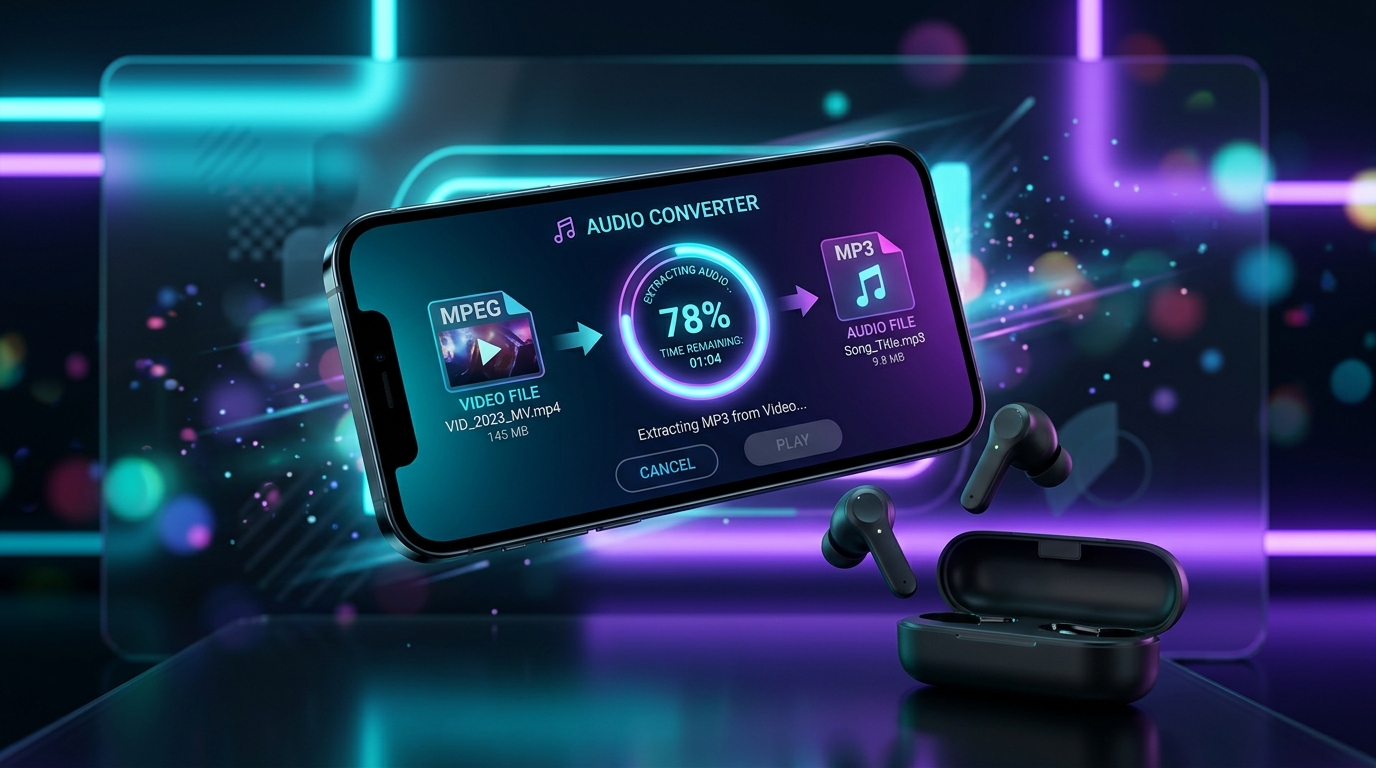
Most folks extract audio because they only care about the soundtrack, not the picture. A recorded lecture, a podcast, or a music video often has its real value locked inside the audio stream alone. Pulling that sound out into a standalone MP3 audio file makes it far easier to listen to later.
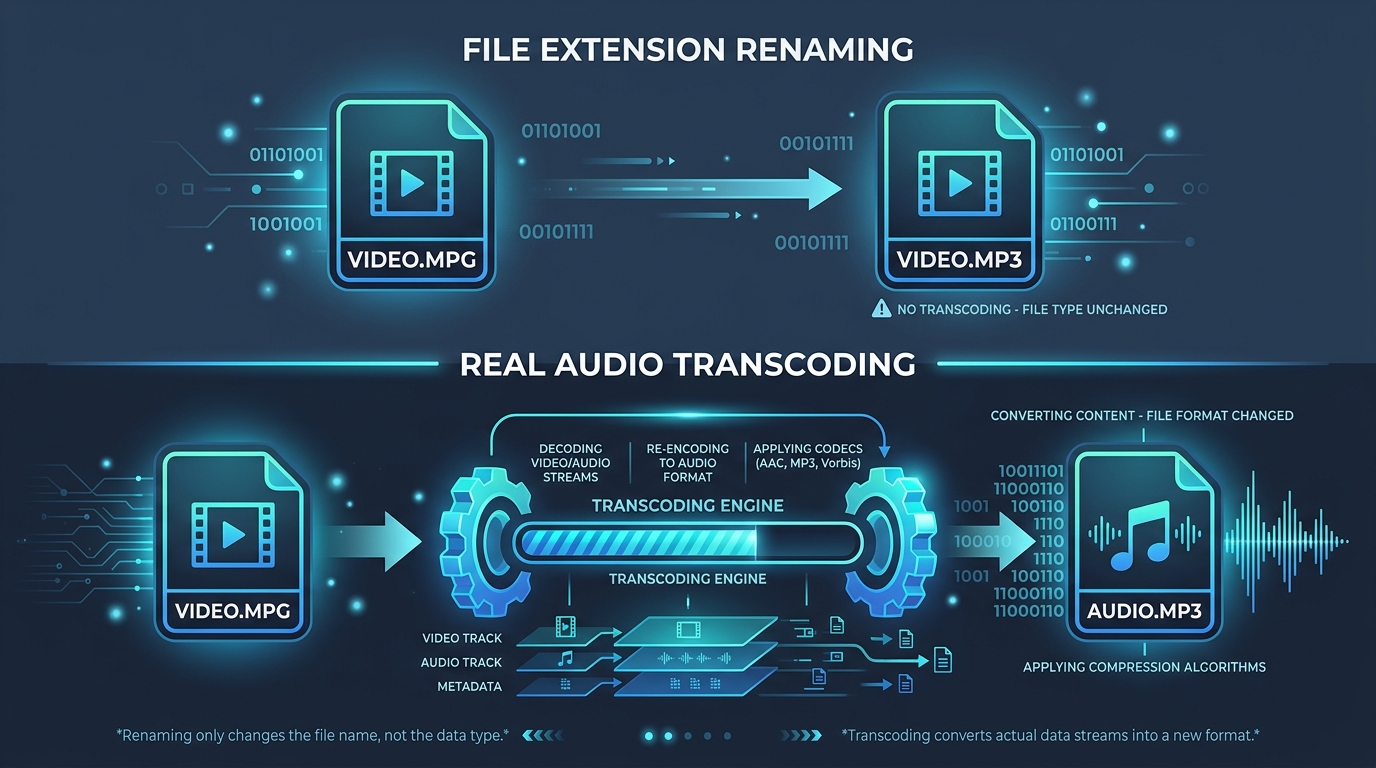
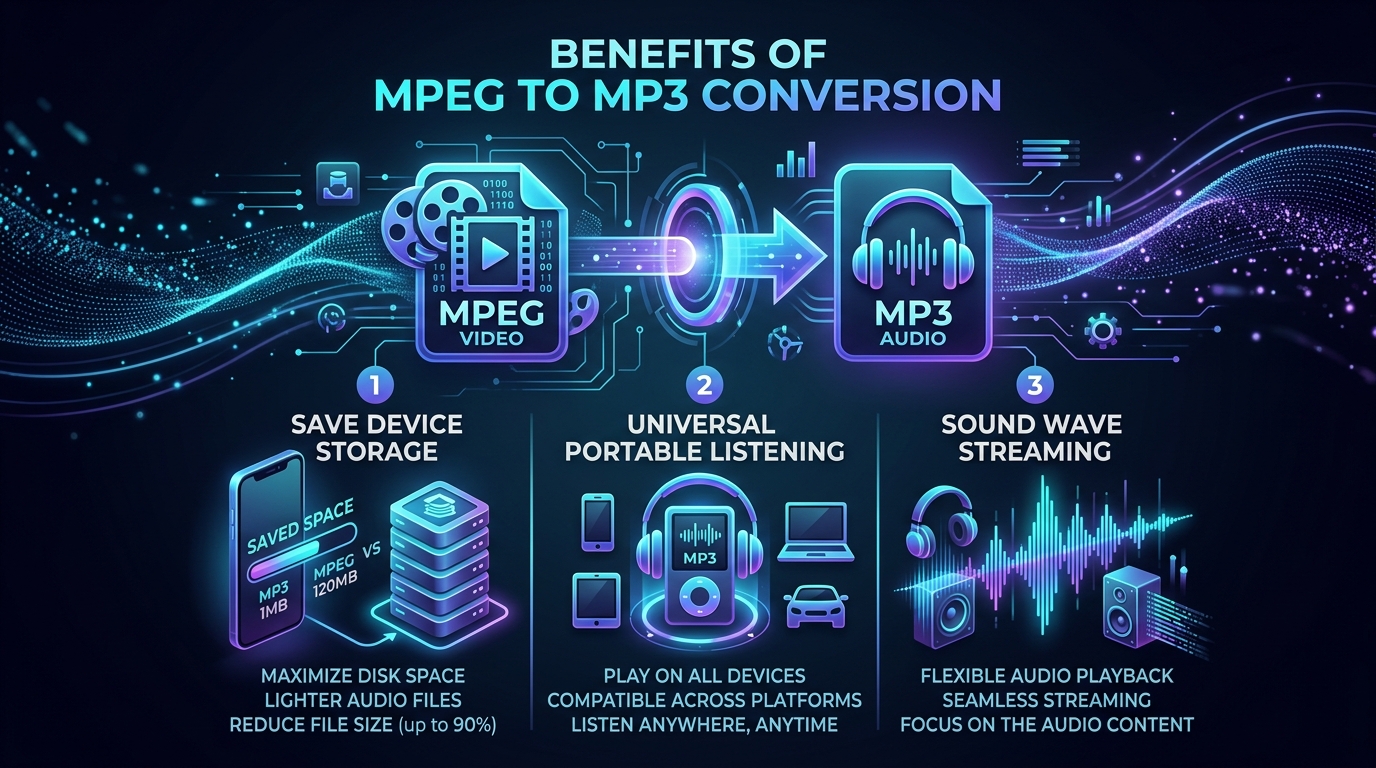
This habit also saves precious device space. Video files are heavy, packed with both video stream and audio stream data. Once you strip away the visuals through video to audio conversion, you keep only what matters and free up serious storage.
How MP3 Makes Video Audio Easier to Store and Share
MP3 audio file formats are famously small and universally supported. Nearly every media player, phone, and car stereo recognizes them instantly. Sharing a five minute MP3 conversion over email or messaging apps is effortless compared to sending a bulky MPEG video conversion.
Compression is the secret sauce here. MP3 uses audio only format techniques that trim unnecessary data while keeping the sound clear enough for everyday listening. That balance between file size reduction and quality is exactly why MP3 became the standard for digital audio sharing worldwide.
When an Audio Only File Is More Convenient Than Video
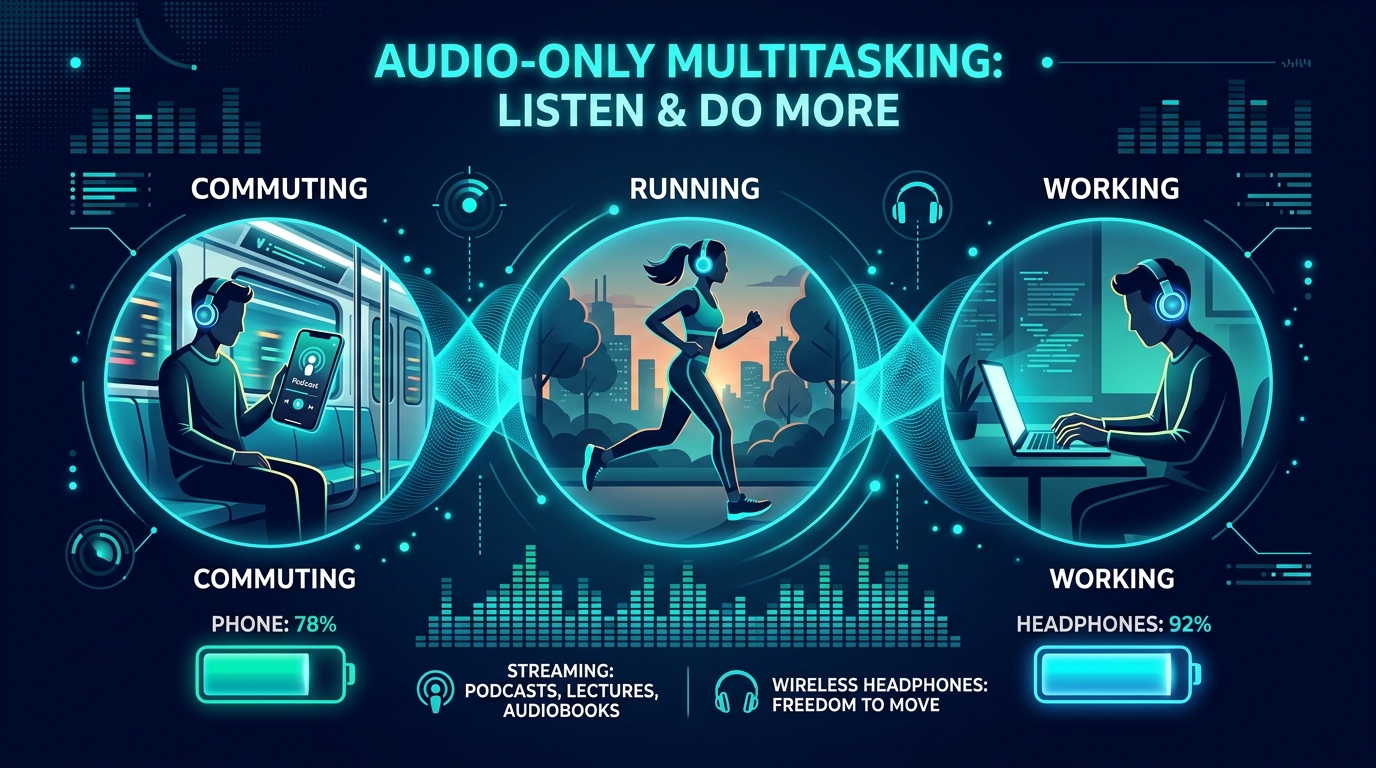
Sometimes you just want sound, not screen time. Commuting, exercising, or doing chores all call for portable audio rather than staring at a video. An audio only format lets you multitask freely, something a full MPEG soundtrack file simply can’t offer as conveniently.
How Converting MPEG Can Reduce the Size of a Media Collection
Large media storage libraries balloon fast when every file includes video data nobody watches. Running a batch MPEG audio converter across your collection trims gigabytes down to megabytes almost overnight.
This isn’t just about saving space, either. Smaller files transfer faster between devices, upload quicker to cloud backups, and load instantly on older hardware. For anyone managing a growing media conversion project, this size reduction becomes a genuine game changer over time.
Why People Use MP3 Files for Music and Spoken Audio
Music lovers gravitate toward MP3 conversion because nearly every device plays it without hassle. From ancient car stereos to brand new smartphones, MP3 compatibility is nearly universal, unlike some video soundtrack formats locked to specific software.
Spoken audio recording, like interviews or lectures, benefits too. Since dialogue doesn’t need massive bitrate to sound clear, converting to MP3 keeps files lightweight while preserving every word. This makes music extraction and spoken audio archiving remarkably efficient.
How MPEG to MP3 Conversion Helps With Portable Playback
Older MP3 players, basic phones, and budget devices often can’t handle heavy video playback smoothly. Converting to MP3 solves that instantly, giving you portable music that plays flawlessly on nearly any gadget you own.
| Device Type | Handles MPEG Video Well? | Handles MP3 Audio Well? |
|---|---|---|
| Basic MP3 Player | No | Yes |
| Car Stereo (older) | Rarely | Yes |
| Smartphone | Yes | Yes |
| Smart Speaker | No | Yes |
This table shows exactly why audio playback compatibility often favors MP3 over the original video container.
When Extracting Audio Is Useful for Podcasts and Recordings
Podcast audio creators frequently record video first, then extract just the sound for distribution. This workflow suits platforms built purely around audio recording, where visuals add nothing but extra file weight.
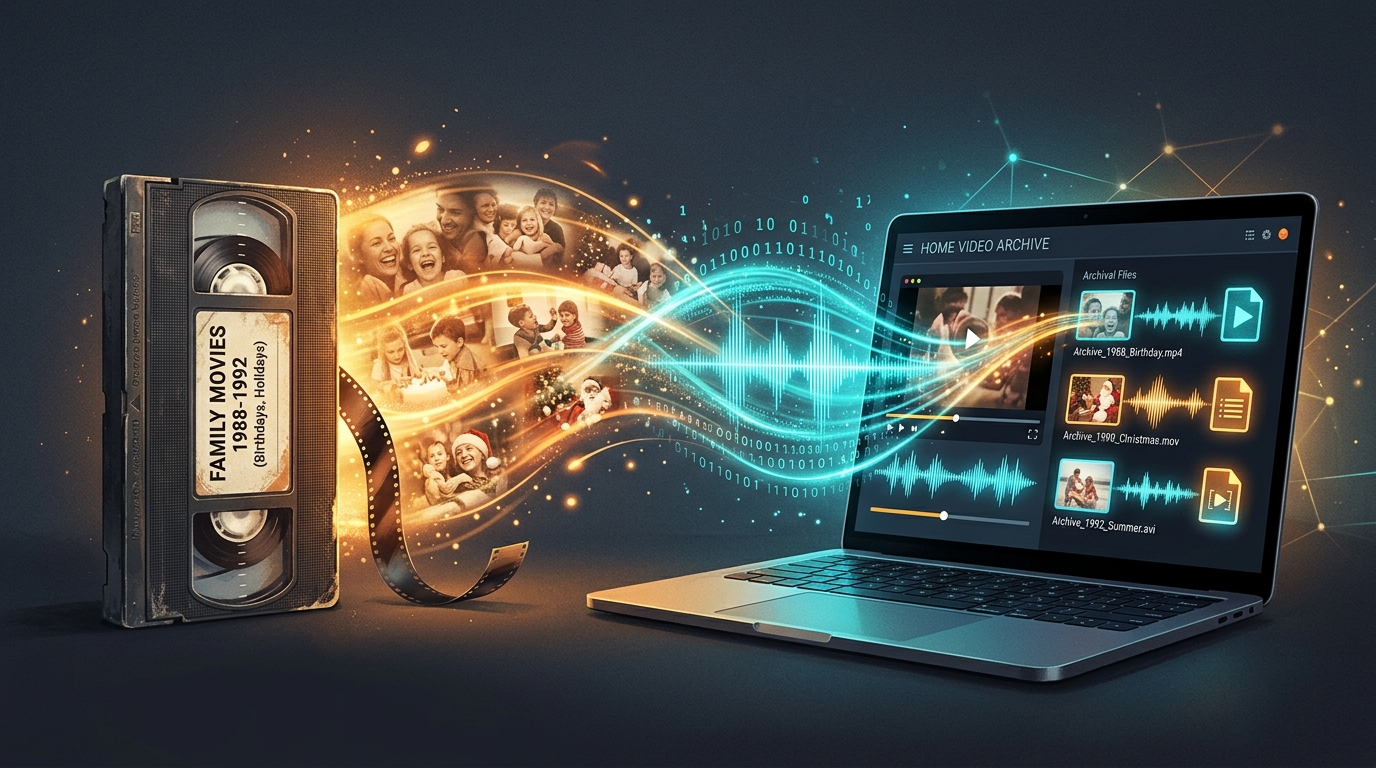
Voice memos, business meetings, and classroom lectures follow the same logic. Once you extract audio from video, you get a clean, shareable file perfect for note taking apps, transcription services, or personal audio archive storage.
What Types of MPEG Content Are Suitable for Audio Extraction?
Not every MPEG file benefits equally. Talking head videos, interviews, and music performances work great. Fast action footage with minimal dialogue, however, rarely gains much from MPEG audio extraction since the visual content carries the real value.
How Copyright and Permission Can Affect Audio Extraction
Before running any MPEG audio converter, consider ownership. Extracting audio from copyrighted concert footage or licensed films without permission can violate usage rights, even for personal use in some regions.
Always check licensing terms first. Personal recordings, your own podcast audio, or content marked for reuse pose no issue. But commercial or copyrighted media deserves caution before any multimedia conversion takes place, protecting you from potential legal headaches down the road.
Conclusion: When Converting MPEG Audio Makes Practical Sense
Ultimately, MPEG to MP3 conversion shines whenever sound matters more than picture. It saves space, boosts compatibility, and simplifies portable audio listening across every device you own. Just remember to respect copyright, choose sensible bitrate settings, and you’ll build a lean, efficient audio archive in no time.