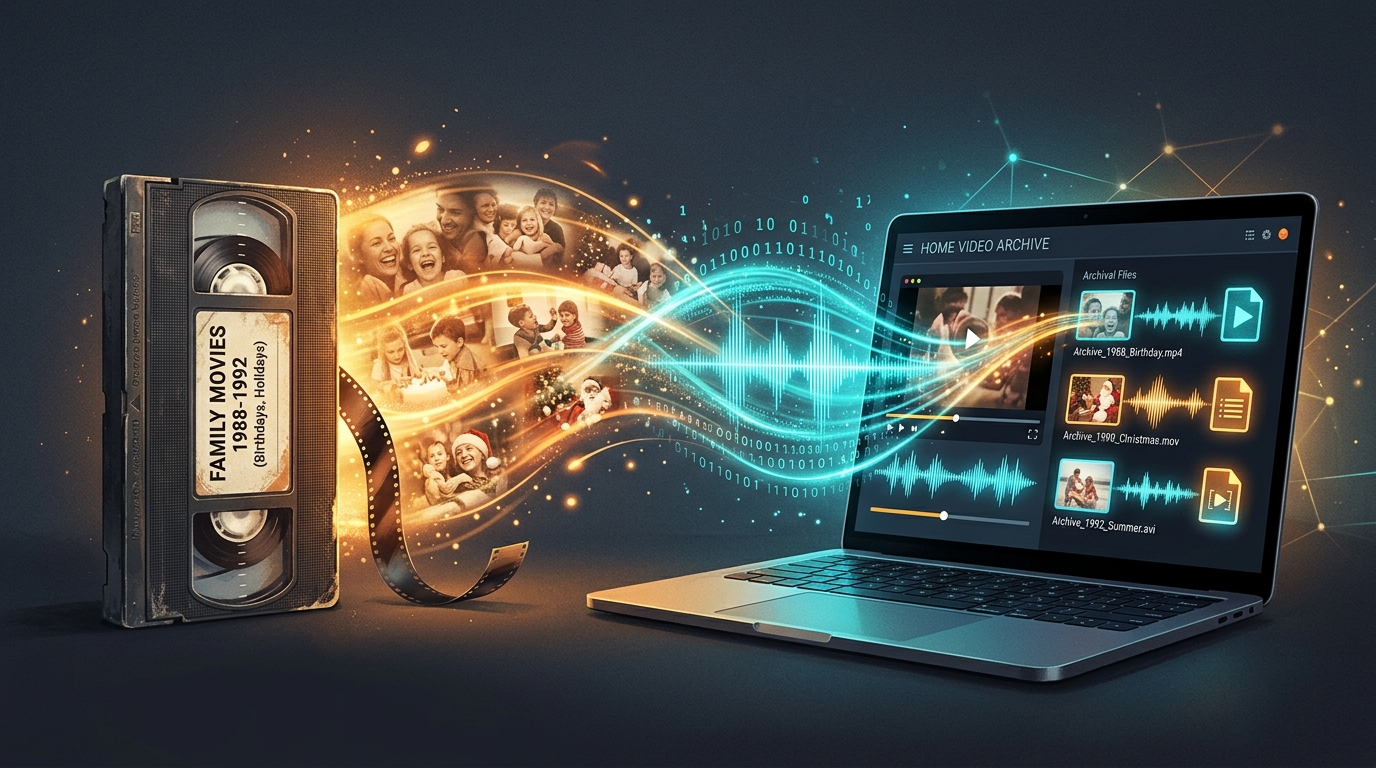
Old family recordings hold irreplaceable memories, and sometimes the audio matters as much as the picture. This guide explains how to properly digitize and preserve audio from aging MPEG home movie files before they degrade further.
What Makes Old Home Movie Audio Worth Preserving?
Grandparents’ voices, childhood laughter, and forgotten conversations often live only within old camcorder footage. Home movie audio captures moments no photo ever could, making audio preservation genuinely priceless for family history.
How to Identify MPEG Files From Older Camcorders and Recordings
Older camcorder devices commonly saved footage as .mpg or .mpeg files. Check your legacy media collection for these extensions, then use MediaInfo to confirm exact codec and stream details before attempting digitization.
How to Extract Dialogue, Music, and Ambient Sound
Family recordings often mix dialogue, background music, and ambient sound together. Standard audio extraction captures everything present in the original soundtrack, preserving the full atmosphere of the recorded moment.
Preparing Old MPEG Files Before Audio Extraction
Before converting, create a backup copy of every original file. Old MPEG files are often irreplaceable, so protecting the untouched source media first prevents accidental loss during any conversion attempt.
How to Choose MP3 Settings for Family Recordings
Dialogue heavy home movies don’t need premium bitrate. Around 192 kbps usually captures voices clearly while keeping file size reduction reasonable for long term archive storage across many recordings.
When WAV or FLAC May Be Better for Long Term Preservation
For truly precious recordings, consider lossless formats instead of MP3. WAV or FLAC preserve every detail without lossy compression, ideal when long term storage quality matters more than file size convenience.
| Format | Compression | Best Use |
|---|---|---|
| MP3 | Lossy | Everyday listening |
| WAV | None | Master archive copy |
| FLAC | Lossless | Long term preservation |
How to Organize Extracted Audio From Old Video Collections
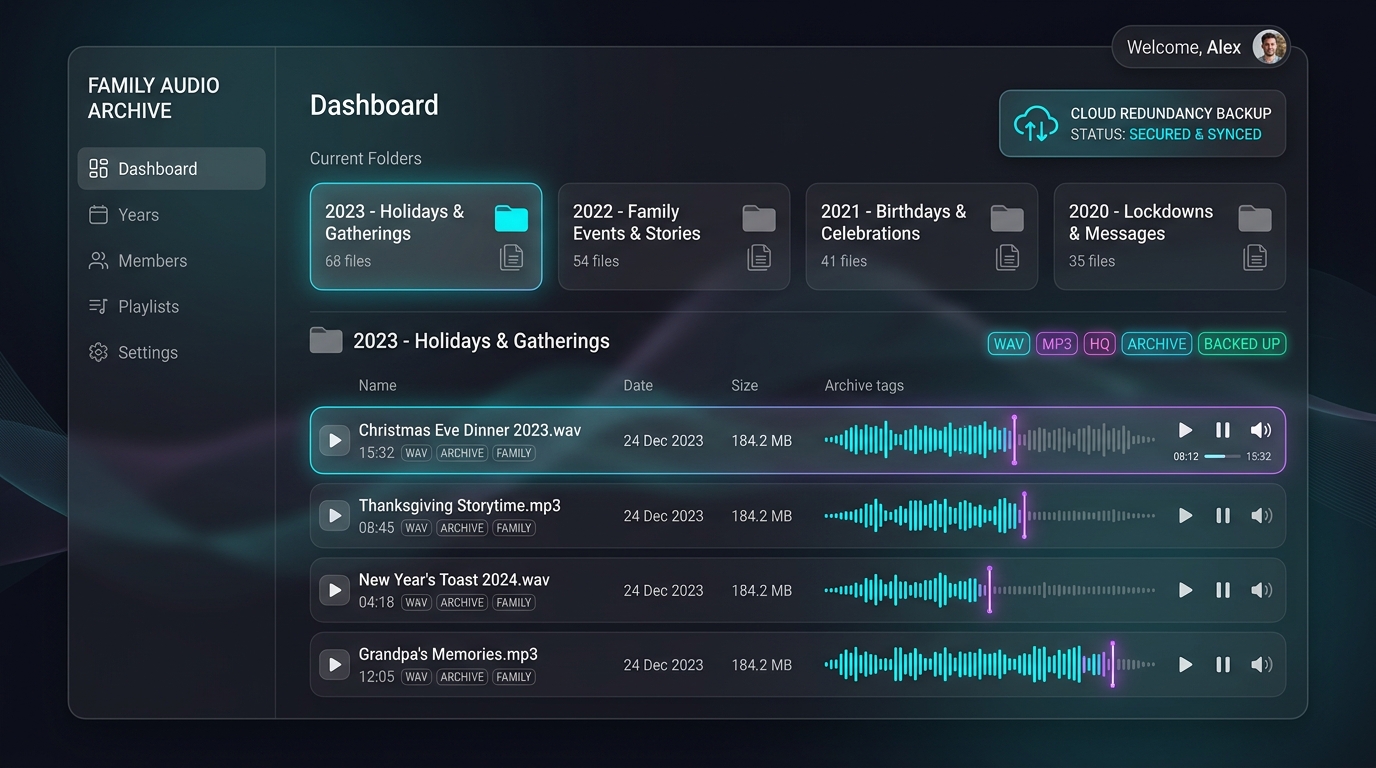
Create clear folder structures by year, event, or family member. Consistent filename conventions and proper metadata tagging make your growing personal media archive searchable years down the line.
How to Preserve Original Files Alongside Converted Copies
Never delete your original file after conversion. Keep both the master file and converted MP3 together, since re extracting later at different settings requires the untouched source file to remain available.
What to Consider When Digitizing Family Recordings
Storage location matters greatly. Use both a local external drive and cloud backup for redundancy. Losing irreplaceable family recordings to hardware failure would be devastating without a proper backup strategy in place.
Conclusion: Building an Audio Archive From Old Home Movies
Preserving home movie audio takes just a little planning. Back up originals, choose sensible MP3 or lossless settings, then organize everything into a lasting digital archive. Future generations will thank you for protecting these irreplaceable family recordings properly.