Choosing the right bitrate feels confusing at first, but it’s actually simple once you understand the basics. This guide walks through every common option, from lightweight settings for speech to premium quality for music, helping you nail the perfect MP3 encoder settings every time.
What Does MP3 Bitrate Mean?
Bitrate measures how much data your MP3 uses per second of audio, expressed in kbps, or kilobits per second. Higher numbers mean richer sound but larger files. Lower numbers save space while sacrificing some detail.
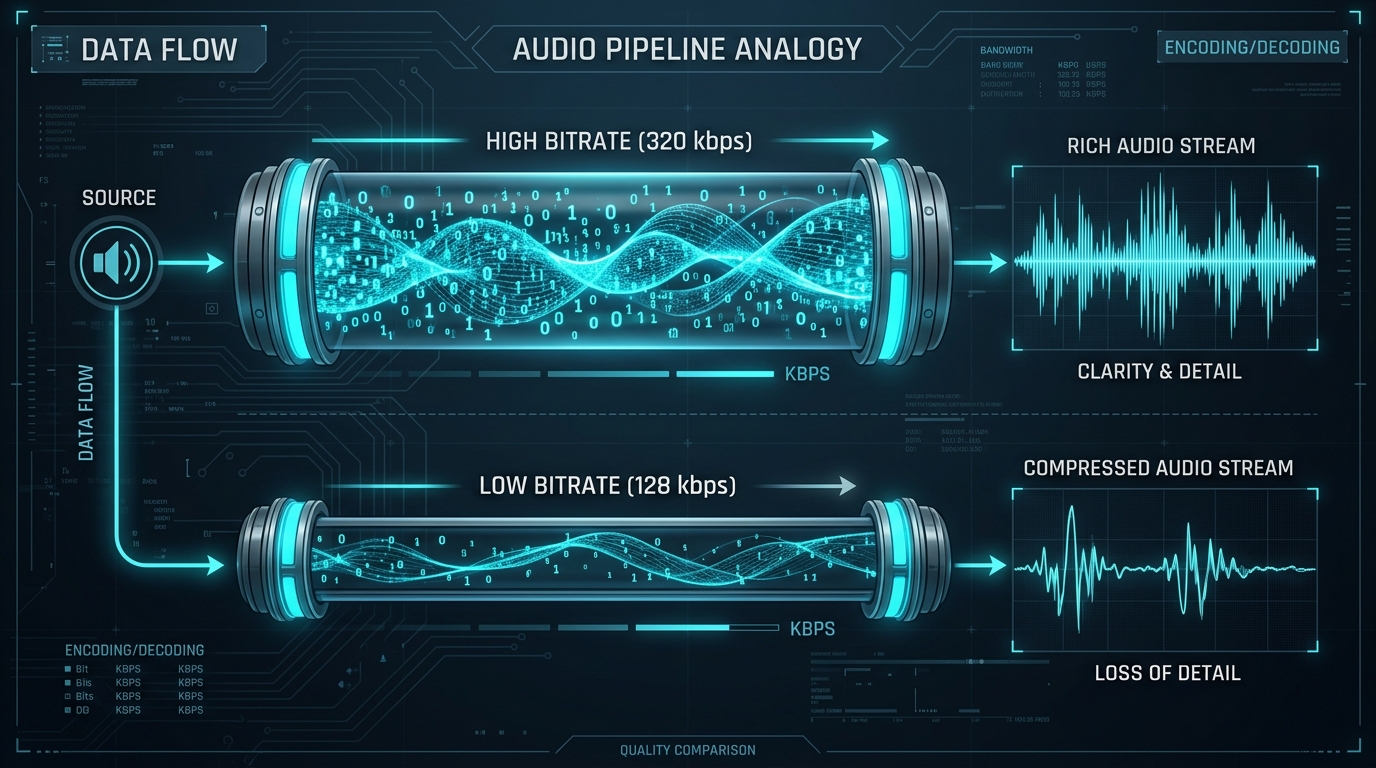
Think of it like a garden hose. A wider hose, meaning higher bitrate, lets more water, or in this case, sound information, flow through per second. A narrow hose still works, but delivers less volume of detail overall.
How 128, 192, 256, and 320 kbps Compare
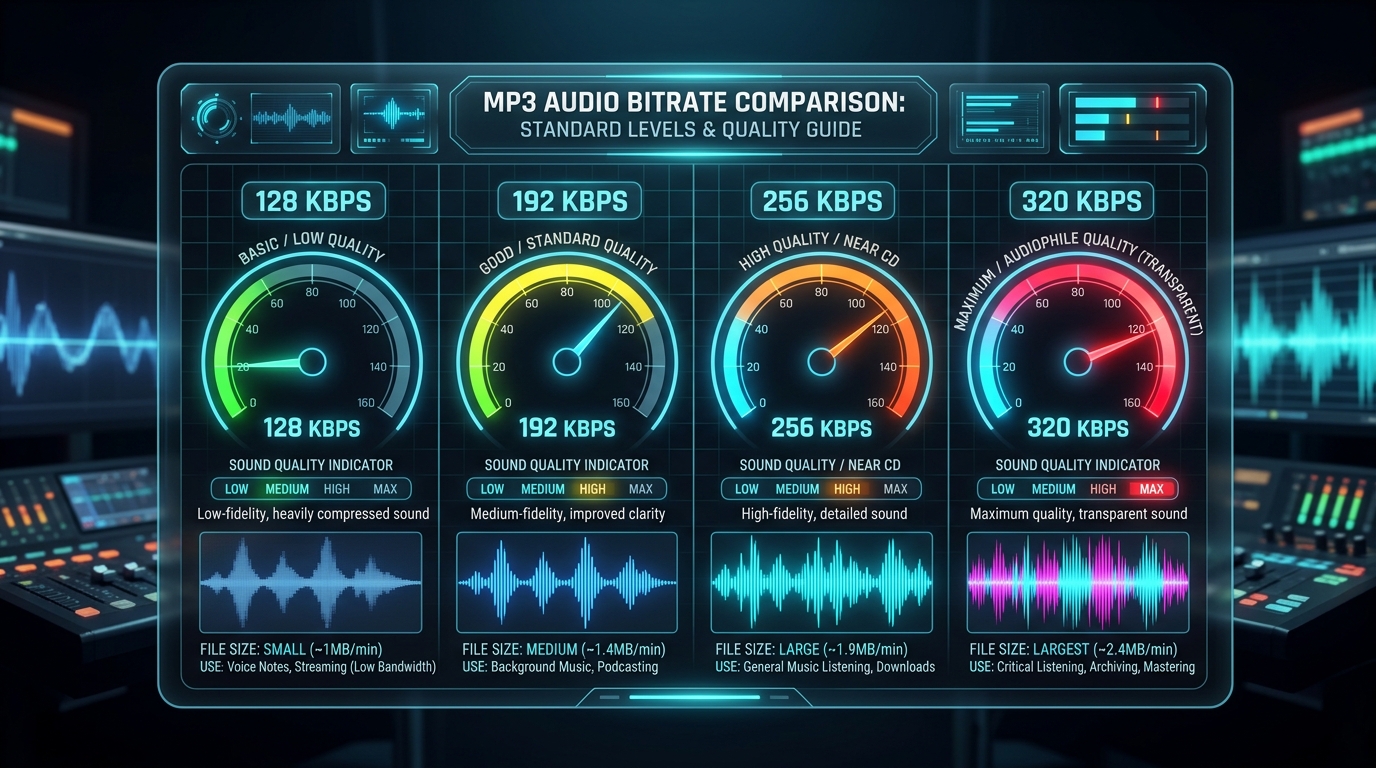
These four bitrate options cover nearly every use case you’ll encounter. Each strikes a different balance between audio quality and file size, making the choice largely dependent on your specific listening needs and storage constraints.
| Bitrate | Quality Level | Best For |
|---|---|---|
| 128 kbps | Basic | Podcasts, voice memos |
| 192 kbps | Good | Casual music listening |
| 256 kbps | Very Good | Most music genres |
| 320 kbps | Excellent | Audiophile grade music |
Which Bitrate Works Well for Speech and Voice Recordings?
Speech bitrate needs are refreshingly low. Human voice doesn’t require the frequency range music demands, so 128 kbps often sounds perfectly clear for lectures, interviews, and podcast episodes without wasting storage space.
Pushing speech recordings to 320 kbps wastes bandwidth for no audible benefit. Save the higher settings for actual music bitrate scenarios where complex instrumentation genuinely benefits from that extra data headroom.
What Bitrate Is Commonly Used for Music?
Most streaming services and casual listeners settle around 256 to 320 kbps for music bitrate. This range captures instrumental detail, vocal warmth, and dynamic range without ballooning file size unreasonably.
How Source Audio Quality Limits the Final MP3
Here’s the catch nobody mentions enough: source audio quality creates a hard ceiling. Converting a poorly recorded MPEG file at 320 kbps won’t magically improve its original clarity, since compression only preserves what already exists.
Garbage audio stays garbage, regardless of chosen settings. Always evaluate your source file honestly before assuming a higher bitrate will rescue underwhelming original recordings.
Why Increasing Bitrate Cannot Restore Missing Detail
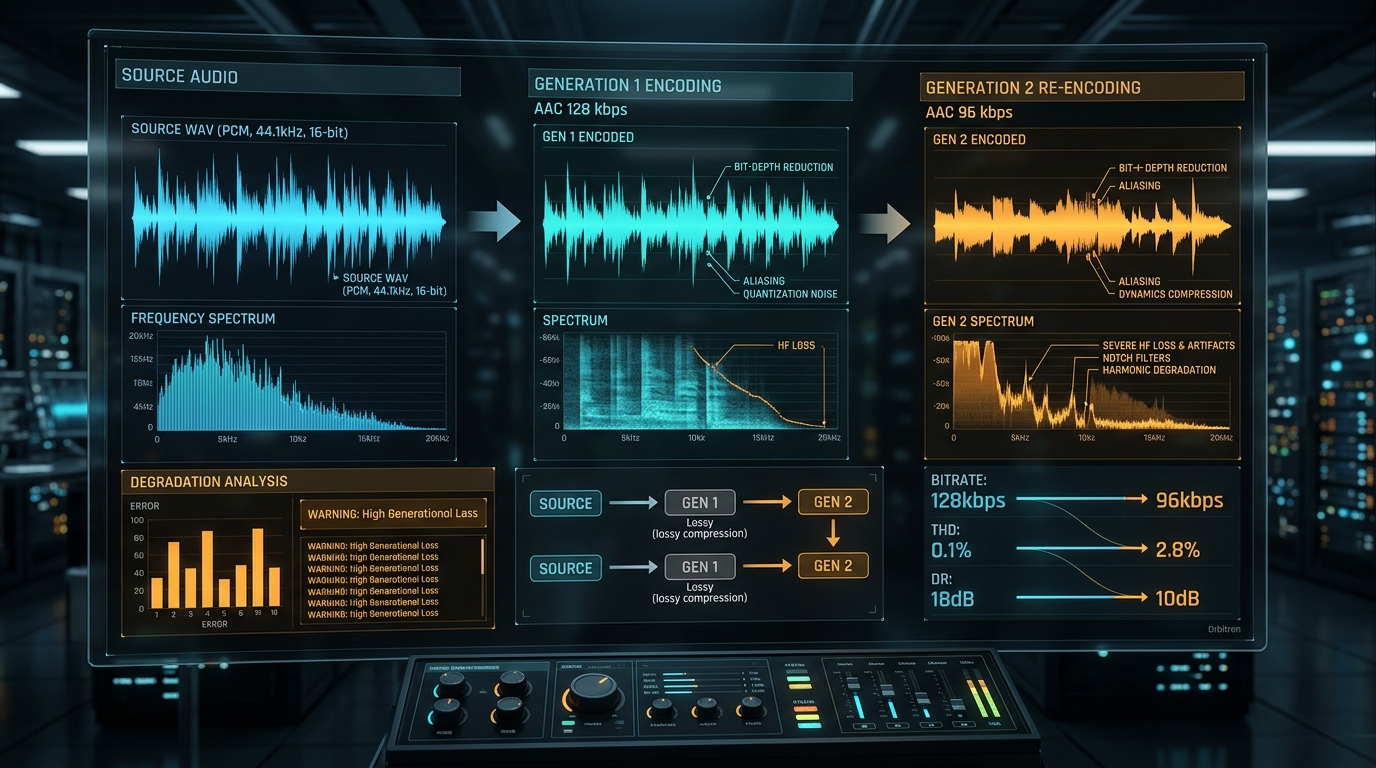
MP3 encoding is a one way process. Once original audio gets compressed during the first pass, information gets permanently discarded. Re encoding at a higher bitrate afterward cannot restore anything already lost.
This is why choosing sensible settings during the initial conversion matters so much. Get it right the first time, since there’s no true “upgrade” path available afterward for previously compressed files.
Constant vs Variable Bitrate for MPEG to MP3 Conversion
CBR, or constant bitrate, keeps data usage steady throughout the entire file. VBR, variable bitrate, adjusts dynamically, using more data during complex passages and less during simple ones.
VBR MP3 files often achieve better overall quality to size ratios. CBR MP3, meanwhile, offers more predictable file sizes and broader compatibility with older, stricter hardware devices that struggle with variable rate playback.
How to Choose a Bitrate Without Overcompressing the Audio
Start conservative and test. Try 192 kbps for general use, then bump up if you notice quality issues during playback. This trial approach prevents both wasted storage and overcompressing delicate audio content.
How Bitrate Changes File Size and Storage Requirements
The math here is straightforward and predictable. Doubling your bitrate roughly doubles your file size. A five minute song at 128 kbps might run five megabytes, while the same track at 320 kbps nears twelve megabytes.
Multiply that across hundreds of files, and storage requirements add up fast. Choosing appropriately for your actual listening environment prevents unnecessary bloat across your entire media library.
Conclusion: Matching MP3 Bitrate to the Source and Purpose
There’s no single “correct” bitrate for every situation. Speech thrives at 128 kbps, while music generally deserves 256 or 320 kbps for genuine audio quality. Match your settings to both your source audio quality and intended purpose, and you’ll always land on a smart, efficient choice.